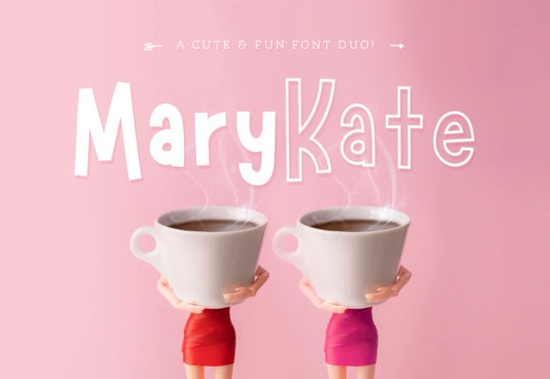
The Marykate Font is a playful yet versatile font duo that pairs a solid version with an outline version, giving you two distinct looks from a single download. If you're a crafter, designer, or small business owner looking for a typeface that works across different projects, this one covers a lot of ground without feeling repetitive.
What comes in the Marykate font package?
When you download this font, you get two separate font files:
- Solid version a filled-in, clean letterform ready for bold headlines and everyday use
- Outline version a hollow, sketched-style letterform that pairs beautifully with the solid or works on its own
Both files are standard font formats, so they install just like any other font on your computer. You can use them in Cricut Design Space, Silhouette Studio, Canva, Adobe Illustrator, Procreate, and most other design software.
Where does this font work best?
The Marykate typeface fits a wide range of projects. Here are some of the most popular uses:
- Wedding invitations the outline version adds a delicate, hand-lettered feel
- Home decor prints pair both versions for layered wall art
- T-shirt designs the bold solid font reads well on apparel
- Blog headers and social media graphics playful enough to grab attention without being hard to read
- Branding and logos works well for lifestyle brands, boutiques, and feminine product lines
- Greeting cards and quotes combine the duo for a hand-crafted look
Because it belongs to the sans-serif font family, it stays readable at both large and small sizes. That makes it a practical choice for print-on-demand sellers who need fonts that perform well across different product types.
How does the outline version compare to the solid?
The two styles are designed to complement each other. The solid version does the heavy lifting it's the one you'll reach for when you need text to be clear and bold. The outline version is more decorative. It works great as a secondary layer, a highlight element, or a standalone style for projects where you want a lighter, more artistic touch.
Think of it like having two fonts that were made to work together, which saves you the trouble of hunting for a matching pair.
Does it pair well with other fonts?
Yes. If you want to mix it with a different style, try combining it with a clean sans-serif or a simple script. For example, the Houte typeface offers a different personality that creates a nice contrast when used alongside the Marykate duo.
You can also browse more creative options by exploring other sans serif fonts to find pairings that match your style.
Who is this font a good fit for?
This font works well for:
- Print-on-demand sellers who need versatile typefaces for multiple product lines
- DIY crafters working with Cricut or Silhouette machines
- Small business owners building brand materials on a budget
- Wedding stationery designers
- Social media managers and bloggers looking for a friendly, readable style
- Anyone who likes a font duo that offers flexibility without complexity
A few practical tips before you download
- Check the license. Make sure the license covers your intended use, especially for commercial projects and POD platforms.
- Install both files. Don't overlook the outline version it's half the value of this download.
- Test at different sizes. Preview your text at the size you plan to use, especially for apparel and printed products.
- Try layering. Place the outline text on top of the solid version with a slight offset for a trendy two-tone effect.
Quick checklist before using Marykate in your next project
- ✅ Download both the solid and outline font files
- ✅ Install them on your system and restart your design software
- ✅ Test the font at your target size on an actual product mockup
- ✅ Verify the license fits your project type
- ✅ Experiment with layering the two versions together
If you're building a collection of go-to fonts for your creative work, the Marykate duo is a reliable addition that gives you two ready-made styles without complicating your workflow. Start with a simple quote design or a basic logo concept you'll quickly see where it fits into your projects.
Get Started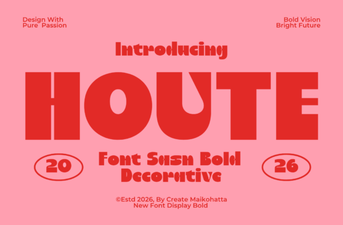 Houte Font: a Modern Typeface for Bold Creative Projects
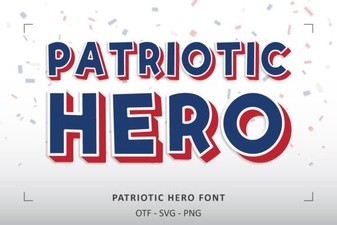 Patriotic Hero Font for Bold Patriotic Design Projects
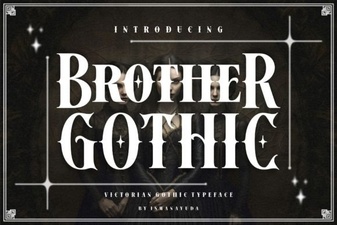 Brother Gothic Font – Classic Blackletter Typeface Download
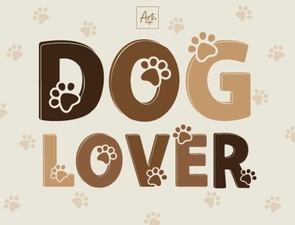 Dog Lover Font – Playful Decorative Typeface for Pet-Themed Designs
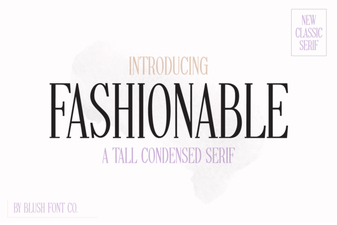 Fashionable Serif Fonts for Stylish Design Projects
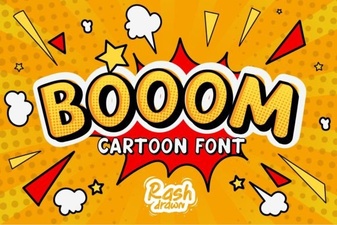 Booom Font: Bold Display Typography for Creative Design Projects